Bridge
Start with the big picture. See your current state, activity, backup confidence, weather context, live status and attention items in one opening view.
Livestatus summary
Linkedaction cards
Readableat a glance

 See the console
YOUR DIGITAL WORLD, IN VIEW
OMNIVAREN is a premium self-hosted command OS that brings network, security, devices, media and system awareness into one polished local console.
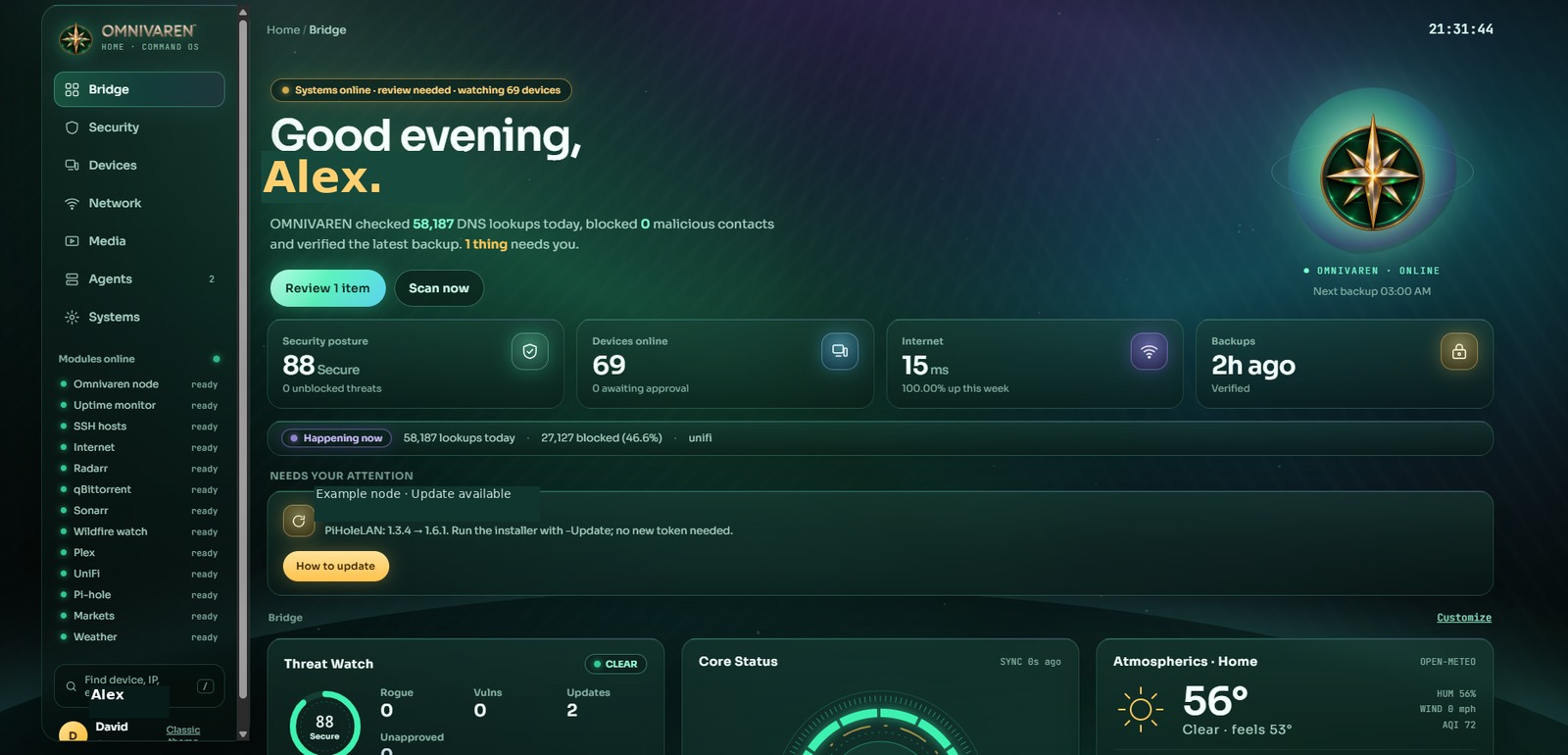
A closer look at your command center.
THE COMPLETE PICTURE
From a single Raspberry Pi, OMNIVAREN unifies the tools you already rely on into one consistent, premium experience.
Start with the big picture. See your current state, activity, backup confidence, weather context, live status and attention items in one opening view.
Threat watch, rogue communications, vulnerability matching, lifecycle awareness and OMNIVAREN self-checks in one place.
THREAT & VULNERABILITY WATCHTrack what is on your network, what changed, what needs approval and which devices should be online.
INVENTORY & DEVICE HISTORYWatch internet quality, WAN throughput, latency, connected clients and DNS behavior from one curated view.
RADAR & WAN HEALTHBring Plex, Sonarr, Radarr and qBittorrent activity into the same console as everything else that matters.
STREAMING & MEDIA AUTOMATIONExtend visibility to Windows, Linux and Raspberry Pi systems with lightweight agents or supported SSH monitoring.
WINDOWS · LINUX · PIBackups, vault status, snapshots, alerts, appearance settings, certificate trust and operating status stay close at hand.
OPERATIONS & MAINTENANCEEXPLORE THE CONSOLE
Explore the OMNIVAREN experience, from your everyday overview to detailed insights across security, devices, network, media, and system health.
Bridge
POWERFUL WITHOUT THE CLUTTER
Designed to run locally and stay under your control.
OMNIVAREN is built for Raspberry Pi 4 or 5, on Raspberry Pi OS 64-bit, with no Docker requirement.
Turn on the integrations you care about and keep the rest optional. The system is modular by design.
Access the HTTPS console on your LAN, use the phone experience, or create a read-only wall display for shared status.
MAKE IT YOURS
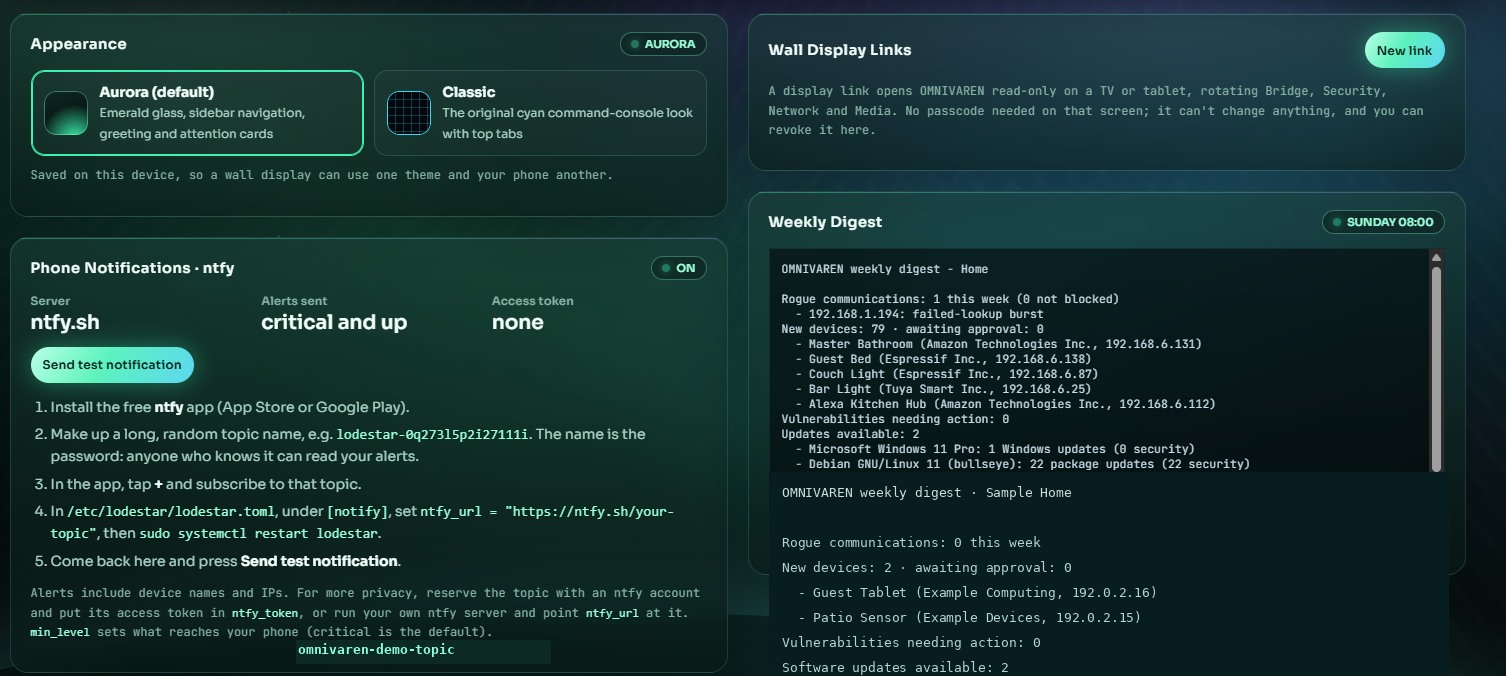
OMNIVAREN currently includes Aurora and Classic, with more theme choices planned. The website theme switch below mirrors that direction for the public-facing experience.
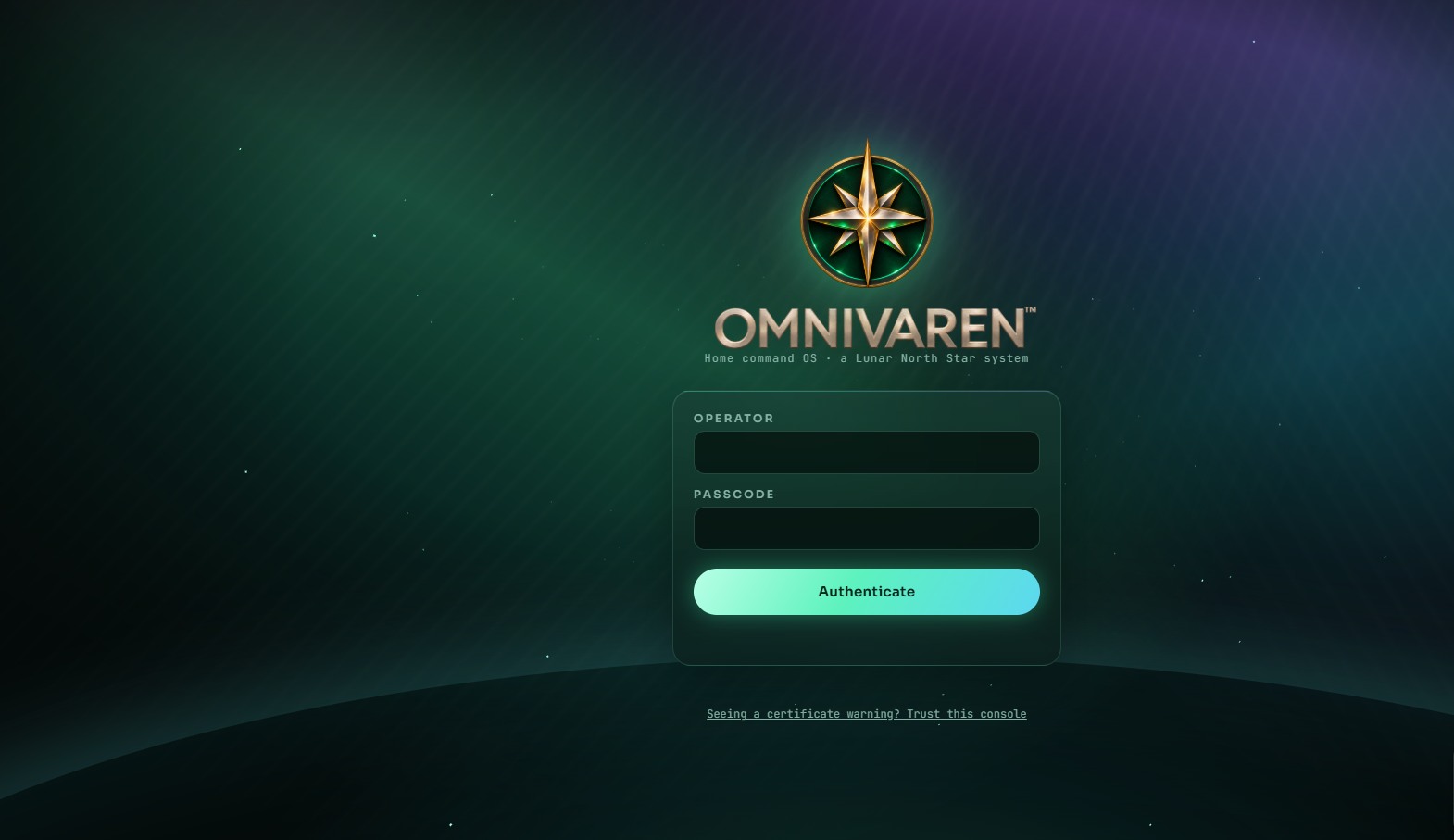
The screen on the right shows the real appearance settings page along with the sign-in experience used in the working build.
SUPPORT THE NEXT CHAPTER
OMNIVAREN is proprietary commercial software from Lunar North Star Holdings. OMNIVAREN is planned as a pay-what-you-want product distributed through Ko-fi. Your purchase will help support continued development, new integrations and future themes. Full purchase details will be announced when OMNIVAREN is ready for release.
Support ongoing development, feature enhancements, new integrations and additional themes.
Have a feature idea or question? Contact OMNIVAREN Support.
PRODUCT UPDATES & COMMUNITY
Follow each OMNIVAREN release and see the features, improvements, and fixes we're building. Your ideas for new capabilities and integrations are always welcome.
CURRENT DEVELOPMENT STATUS
OMNIVAREN 1.6.1 is in quality assurance. Public release, Ko-fi purchasing and finalized license terms are forthcoming. More theme choices and refinements are in development.
FAQ
Proprietary, self-hosted commercial software for monitoring your network, devices, services, media tools and operating environment from one premium local dashboard.
OMNIVAREN is planned as a proprietary commercial product available through Ko-fi on a pay-what-you-want basis. Pricing and purchasing details will be announced at release.
No. OMNIVAREN is proprietary commercial software owned or licensed by Lunar North Star Holdings. Purchasing a license does not grant ownership of its underlying intellectual property or a right to redistribute it.
Power users, enthusiasts, households and small businesses that want visibility and control without turning their setup into a full enterprise product stack.
No. The core experience is designed to run locally on your own hardware, with optional integrations where appropriate.
Explore the interface across Bridge, Security, Devices, Network, Media, Agents, Systems, and more. Available panels depend on the integrations you configure.